Administration and managed prompts
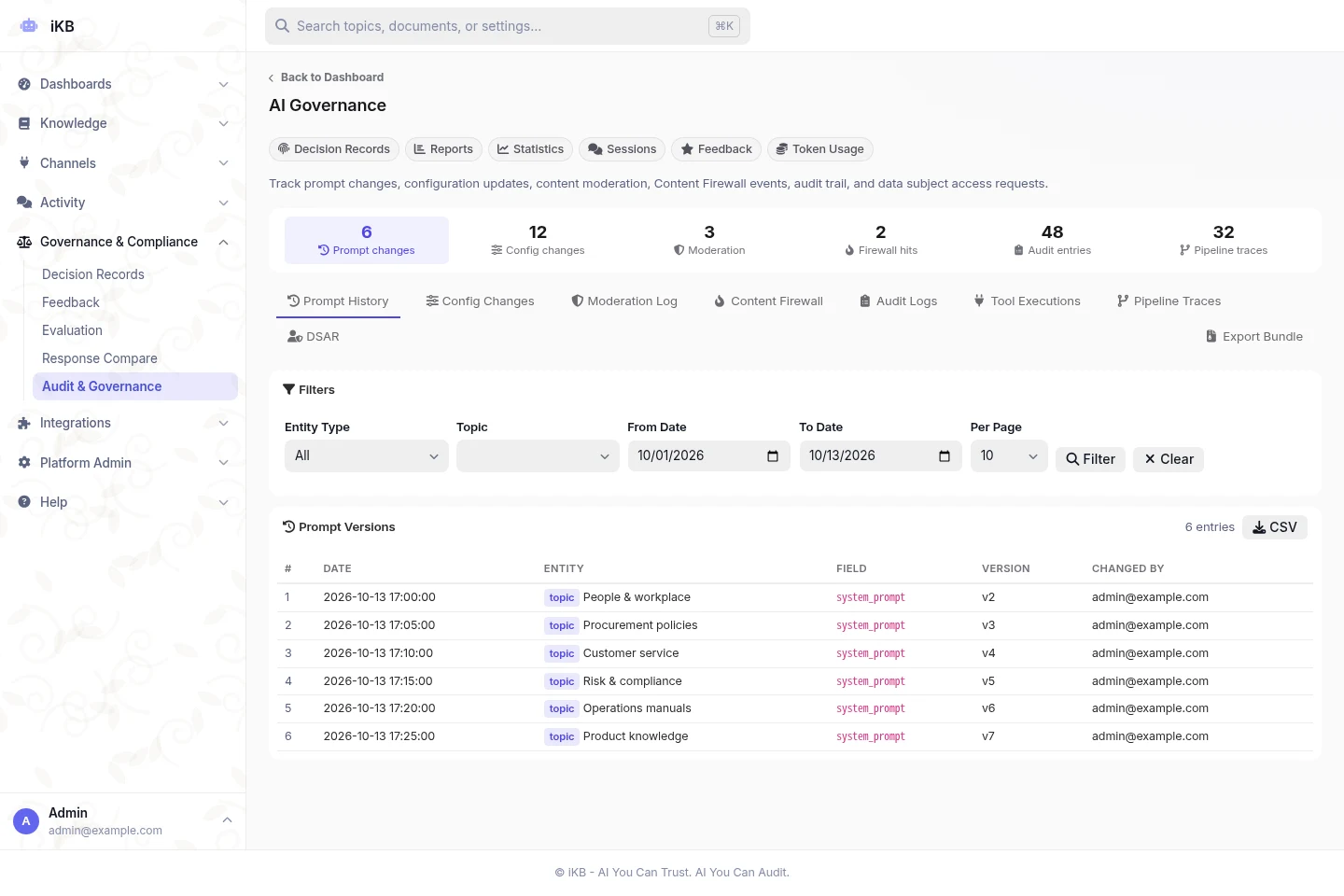
Manage topics through setting tabs and related actions. Saving keeps the current tab and scroll position. Labelled action menus and confirmation dialogs make commands easier to review. Apply managed system-prompt profiles through a controlled setup process.
Content sources and processing status
Manage uploads, public-link imports, configured cloud sources, web pages, databases and approved API tools from Content Sources. Available options depend on permissions and configuration. Filter the library by processed files, processing, needs attention, folder or file type. Search by filename and review recent link imports and per-file outcomes. Retry or reprocess eligible files after fixing the reported problem; processing costs may apply.
Channel profiles and white labelling
Use topic search settings across supported channels, or set explicit channel overrides. Configure the platform name, browser icon, vendor marks, footer text and other brand settings.
Cost and capacity accounting
Keep a stored usage ledger, update provider prices and see why a cost is unknown or incomplete. Set shared capacity and per-user limits across channels. Automatic memory thresholds account for host and container limits. Overload responses limit heavy conversations. Tools help operators size and measure the host.
Installation and recovery
Use host setup, installation, Docker and recovery workflows with fewer manual steps. Docker includes the SearXNG search service for configured Research. Hosted, private cloud, on-premise and air-gapped deployment remain available.
File processing and search checks
Review records showing how well files were processed. Compare changes in a separate tool without changing live answers. Inspect search stages, timings and outcomes to investigate problems.
Local operations
Run storage, indexing, search, models, caching and background jobs on the selected infrastructure. Control outgoing data. Operators have a command-line interface (CLI) and 18-signal health probes for system checks. Air-gapped environments cannot use live external sources or hosted services.
Features depend on the installed version, topic permissions, platform settings, supported models and deployment. Test the workflow with your own sources before rollout.