
Studio workshop
Create briefs, action plans, timelines, process maps, slides, mind maps, quizzes and audio summaries. Prepare visual stories, knowledge articles, evidence checks and data tables. Image creation is available when configured.
iKB Studio turns conversations into reports, presentations and training materials. Edit saved versions, keep source material available and use your brand in supported exports.
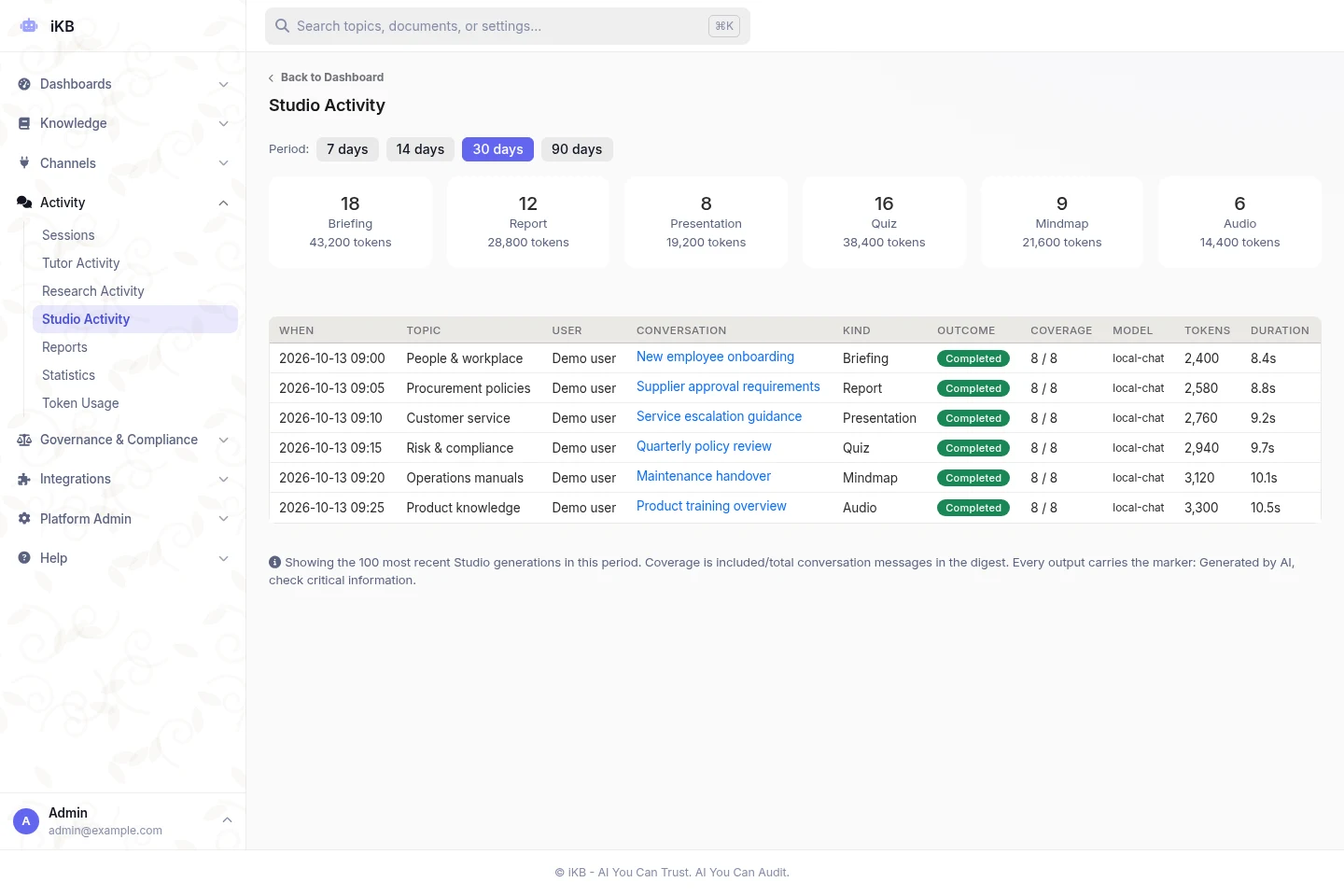
Use the conversation and approved knowledge available to the topic.
Choose the audience, purpose, language and level of detail. Review the content and save a new version.
Export supported formats for a meeting, training session or review. Branding depends on the configured template and format.
Create briefs, action plans, timelines, process maps, slides, mind maps, quizzes and audio summaries. Prepare visual stories, knowledge articles, evidence checks and data tables. Image creation is available when configured.
Edit a saved document or other output, compare versions and restore earlier work. Choose the audience, purpose, detail, language, tone and focus. Adjust how supporting evidence is shown.
Use supported topic or platform logos, colours and fonts in Word, PDF, PowerPoint and Excel exports. Keep created files and uploaded sources together in the conversation library.
Use slide layouts for titles, bullet points, figures, statistics, tables and closing notes. Long content continues on additional slides. Supported PowerPoint charts remain editable.
Choose quiz length and difficulty. Questions include source-based explanations and alternative answers. Set mind-map detail and audio length. Audio formats include transcripts, with streaming text-to-speech for spoken delivery.
Create process flows, comparisons and KPI visuals using built-in layouts. Visual Story exports use the saved version, so the exported copy matches that version.
Include clickable links, formatted tables and a filled table-of-contents field. Numbered lists can be nested or restarted. Supported charts, diagrams and infographics can be rendered on the server if browser capture is unavailable.
Administrators choose the image model and generation controls. Topic checks limit where it can be used. Created images stay with the conversation and its saved files.
File exports with audit records can continue after a tab closes. Supported browsers can notify users about long answers, Studio jobs and exports, even after the page closes, when configured and permitted.
Features depend on the installed version, topic permissions, platform settings, supported models and deployment. Test the workflow with your own sources before rollout.
Bring sample sources and clear requirements. Review the answers and controls before rollout.