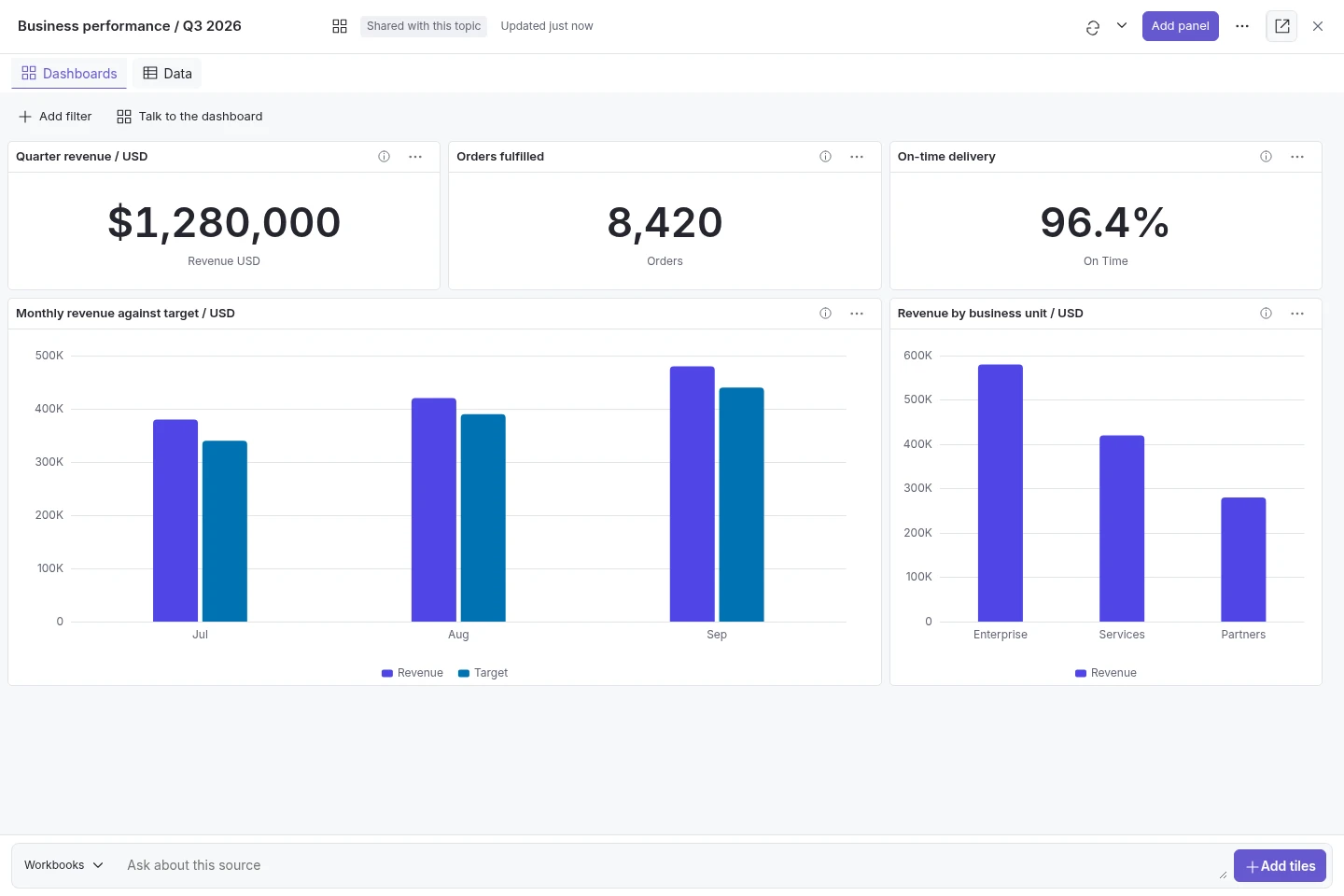
Talk to the dashboard
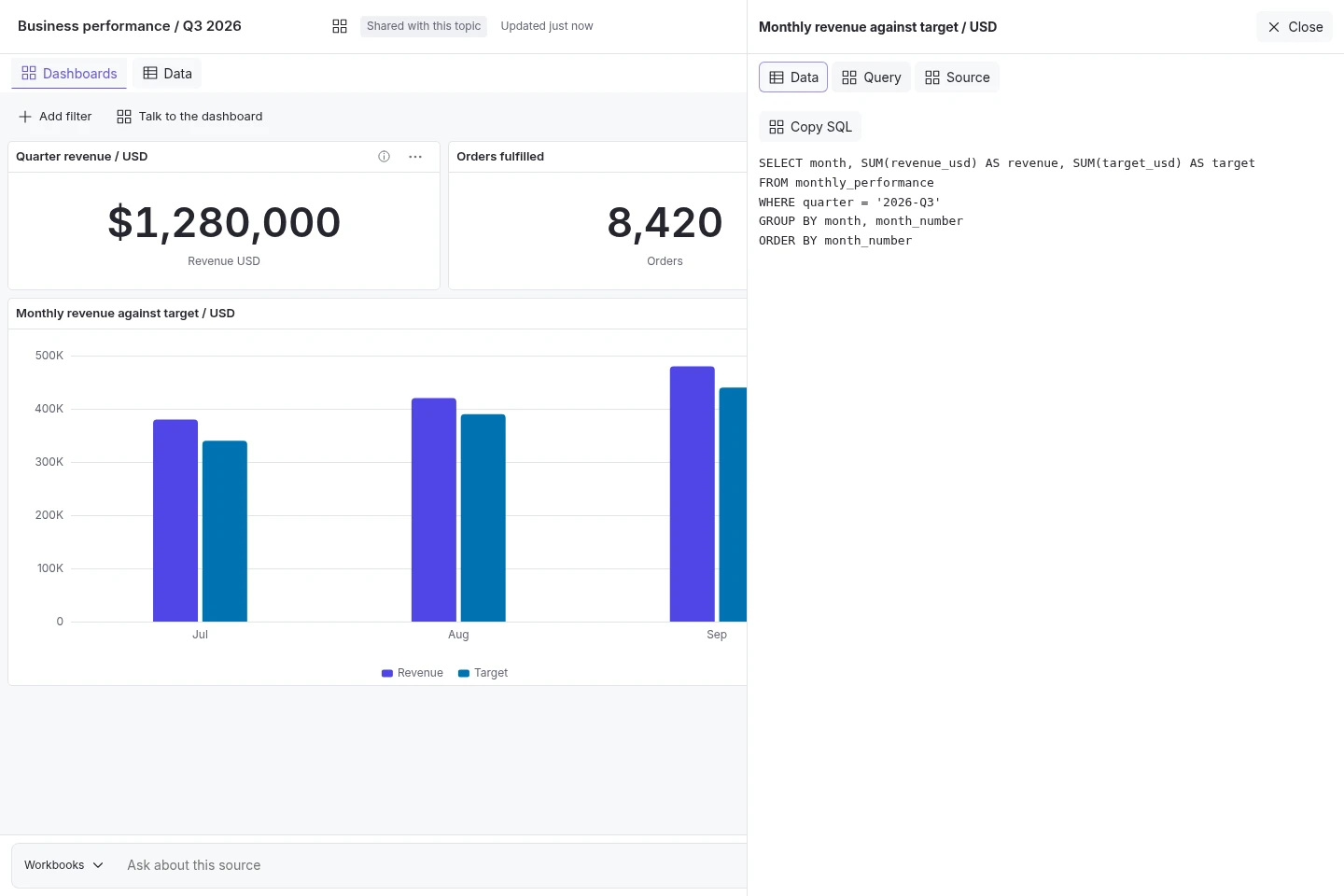
Ask questions in the native Analytics tab to create saved charts, KPI tiles and tables. Ask follow-up questions, answer clarifications and adjust supported charts. Inspect the source and query behind each tile. Users must be signed in. The tab appears on enabled topics with a processed current spreadsheet or an active live database link with a selected table. Source readiness and access checks still apply.
Workbook and live-data analysis
Analyse processed workbooks and CSV files, or approved live database connections. Ask questions, filter, sort and create pivot views within set limits. Queries are read-only and connections must pass readiness checks. Live filtering currently requires a configured MySQL connection that passes compatibility checks.
Permissioned dashboard sharing
Keep a dashboard private or share a live link with people who can access its topic. Review any change that exposes detailed rows before publishing. Configured refresh runs saved queries. Source changes are shown; incompatible replacement workbooks can cause affected tiles to be withheld. Raw-row access and SQL editing have separate controls. Dashboards use live links, not file exports.
Narrative and computed evidence
Combine information from documents with calculations from tables. Keep written source information and calculated results separate, with references for both.
Validated analytics
Calculate from authorised sources using read-only SQL, the language used to query databases. Separate DuckDB data catalogues are used for each request, with result checks and support for PDF tables. Keep the executed query and source references. Review both the calculation and the AI's explanation. Analytics controls cover native chat, the widget, Slack, Teams, Chatwoot and API. The dashboard tab is native-chat only.
Labelled forecasting
Create forecasts from supported, approved tables. Projections are clearly separated from verified past results and show their limits; predictive accuracy is not guaranteed.
Readable results and chart exploration
Read results as tables, explanations and suitable charts. Inspect larger results with clear axes, range controls and expandable data views. Source labels and time periods stay visible.
Currency and unit safeguards
Avoid adding figures across different currencies or units without the required checks. Keep calculated figures separate from the AI's explanation.
The Analytics tab is for signed-in native-chat users in the built-in iKB interface. The topic must be enabled and have a processed current spreadsheet or an active live database link with a selected table. Source readiness checks still apply. Live filtering currently requires a compatible configured MySQL connection. Dashboards use access-controlled live links, not file exports. Access to individual data rows and SQL editing have separate permissions. Source compatibility and refresh limits apply.