
Automatic model-class routing
Group models as Efficient, Balanced and Advanced. A configured rule selects a group for each message. The same approach covers native chat, the widget, Slack, Teams, Chatwoot and API.
Use supported hosted or local AI models. Choose models by task, set topic rules and configure fallback options. Review model usage, decisions and costs.
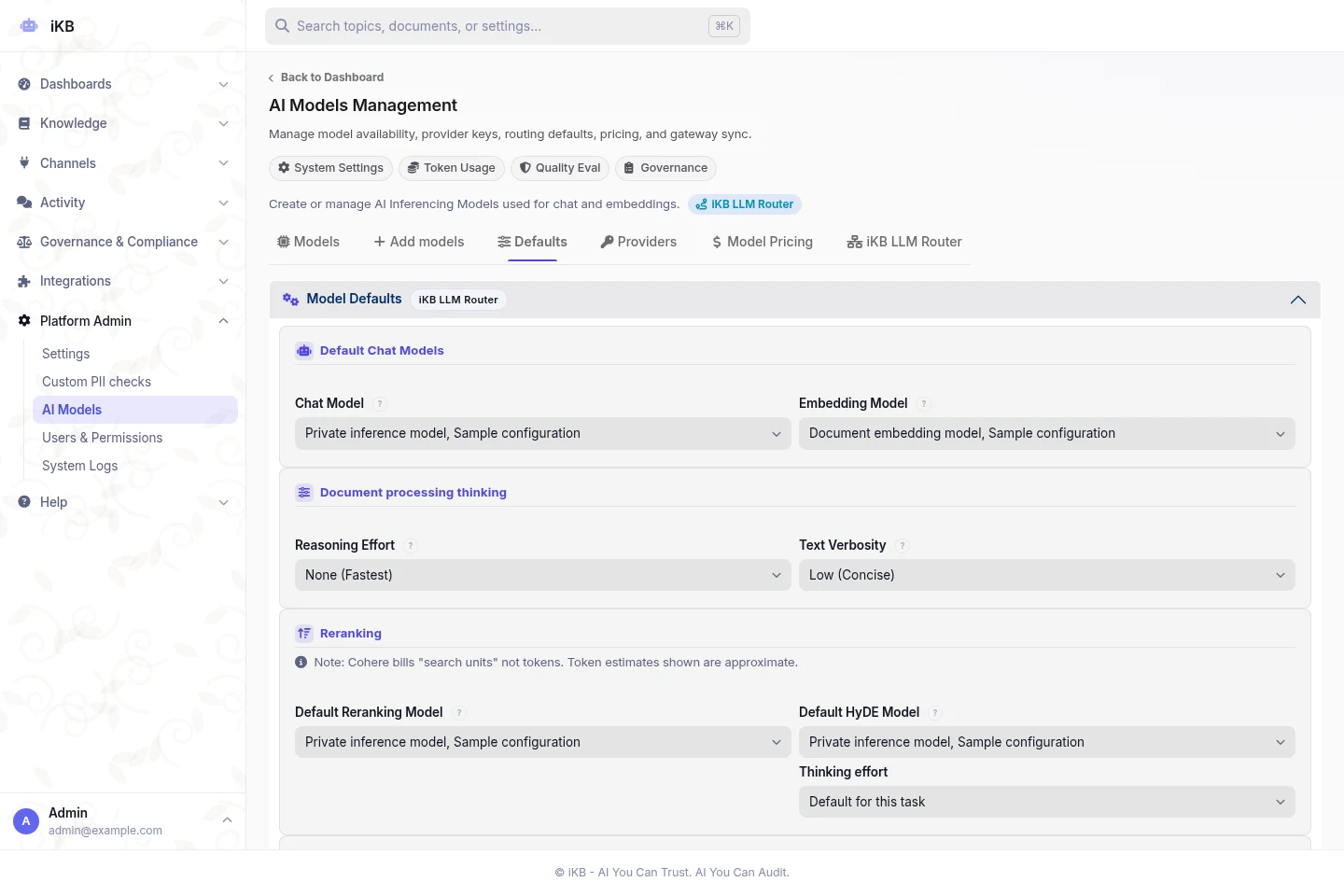
Choose supported models for document search, analytics, Research, Studio and decision tasks.
Choose model groups, platform defaults and local-only options to match the information a topic contains.
Check accepted decisions, fallback use, response times and cost records before expanding use.
Group models as Efficient, Balanced and Advanced. A configured rule selects a group for each message. The same approach covers native chat, the widget, Slack, Teams, Chatwoot and API.
Use configured OpenAI Decisions, Jev/SystemOne-compatible services or supported local models to identify a request and select a skill or tool. They can also classify document requests and choose document styles.
A confident result can replace classification by a general chat model. If it is uncertain, too slow or unavailable, the system uses the existing classifier. Enable tasks one at a time, disable them or compare results without changing live behaviour.
Use the platform decision model or select one for each topic. Local-only options keep supported classification tasks on private infrastructure. Remote decision models are excluded from strict-PII topics, which apply stricter rules to personal data. Local models must meet the required capabilities.
Manage providers and feature defaults in one place. Select models by supported capabilities and choose thinking levels where available. Set reasoning effort for analytics, search assistance, evaluation, Research, Studio and Tutor when the model supports it.
Connect to 132 supported model providers, including xAI Grok, and local OpenAI-compatible endpoints. Review accepted decisions, skipped tasks, fallbacks, timing and usage. Anthropic prompt caching and cost reporting apply where supported. Performance and cost depend on settings and workload.
Features depend on the installed version, topic permissions, platform settings, supported models and deployment. Test the workflow with your own sources before rollout.
Bring sample sources and clear requirements. Review the answers and controls before rollout.